
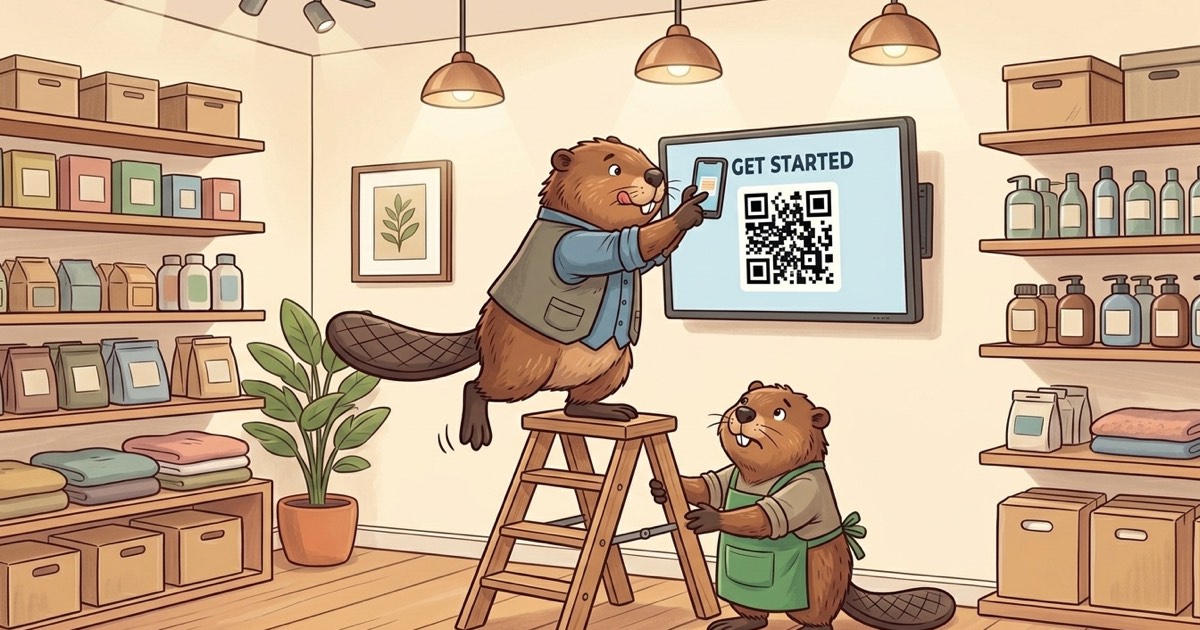
We’re starting to take BrandCast out in to the wild with our first customers. How hard is it? How long does it take? The answer to both of those questions is “Not very”. All in all, it took about 5 minutes. I can say that with authroity because this was at the store that I also happen to own. So I installed it.
Here is a live setup, step by step.
Note
Every photo below is a real shot off the wall at the shop. We ran light AI cleanup on them to kill the glare from the store’s ceiling lights. Nothing on the screens was changed.
Step 1: Power it on and connect
Plug it in and the display brings itself up. It sets up a wifi network for provisioning. You join it from your phone and the setup wizard immediately shows. No keyboards or remote controls required. You point your phone’s camera at the QR code, or hop on the BrandCast- Wi-Fi it advertises, and you’re in. If there is an Ethernet cable already in the wall, it sees that and tells you so.
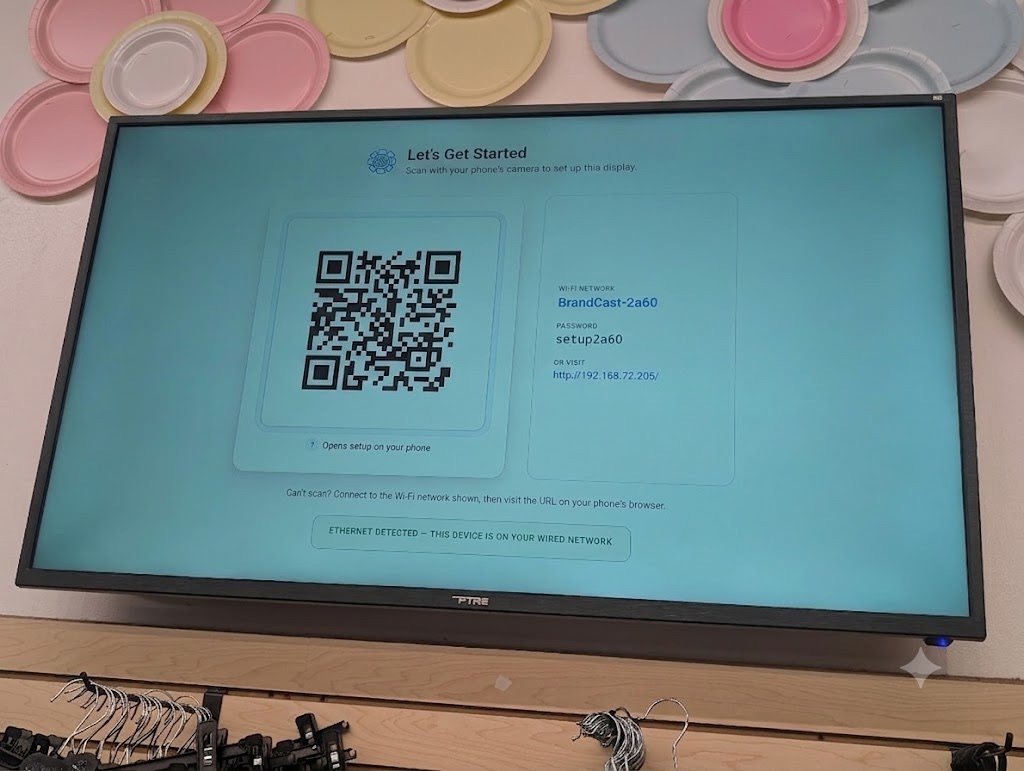 First boot. The display sets up its own network so you can finish everything from your phone.
Step 2: Pair it to your account
Once it is online, it’s ready to be connected to your BrandCast account. You get a short code on screen and a QR that drops you straight into the admin to claim it. The code rotates every few minutes, so there is no stale string sitting on a screen in your window for anyone to grab. Scan, confirm, done. The display now belongs to your account.
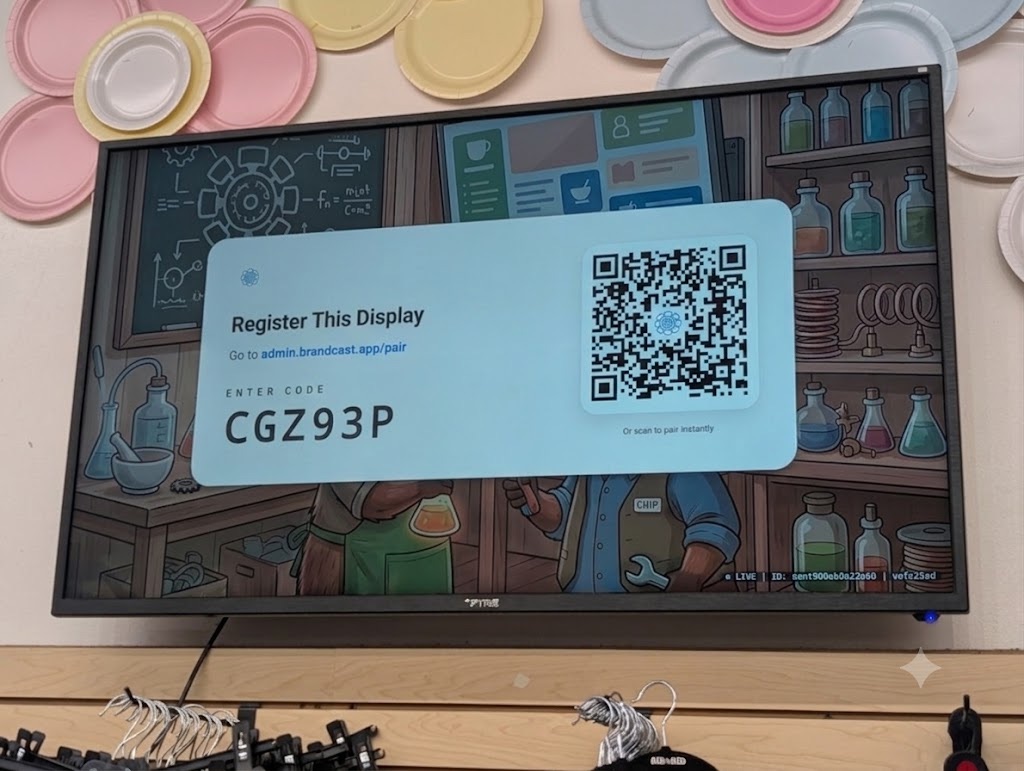 A fresh pairing code, good for a few minutes. Scan it and the display links to your BrandCast account.
Step 3: Success!
That’s it. That’s the whole story. The display starts pulling content and the wall comes to life. Ours went straight to a Layout to say thank you to our Raleighwood Hockey Boys. Five minutes from a box to a screen that is actually saying something to the people walking in.
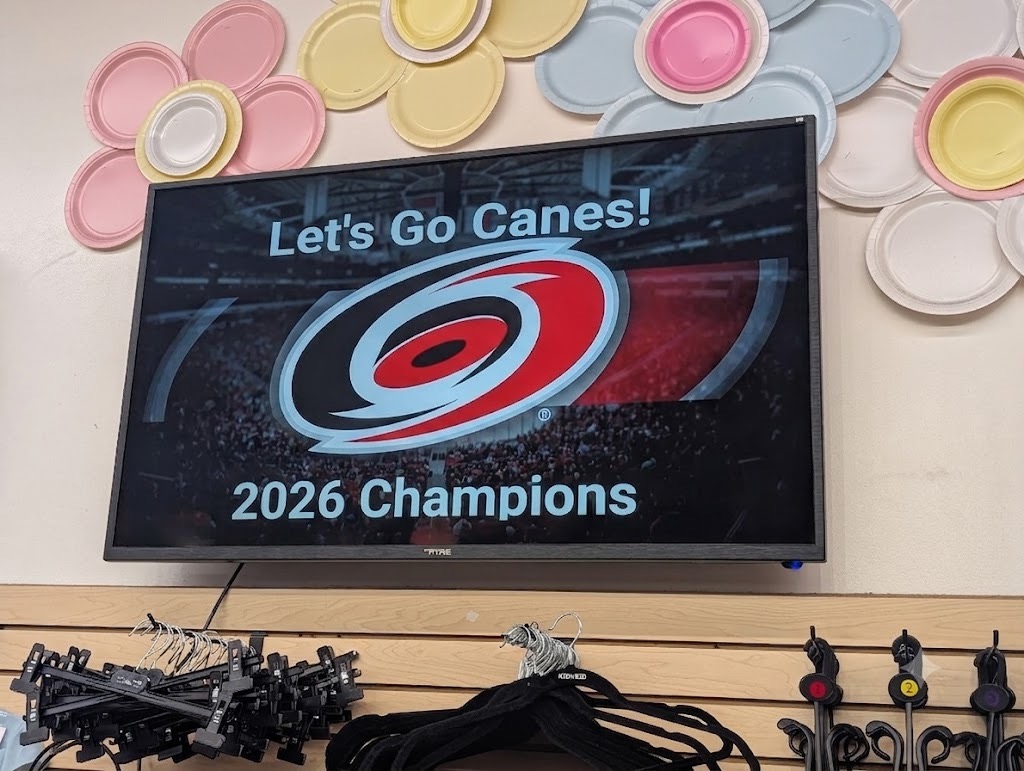 Live on the wall. From box to broadcasting in about five minutes.
Why this matters
The hard part of putting a screen in your space was never the screen. It was everything around it: the cables, the laptop you had to leave plugged in behind it, the person you had to call when it froze. We built the setup so a shop owner can do it alone, from their phone, between customers. Spaces should engage, and getting there should not take an afternoon. It shouldn’t even take time to make a fresh pot of coffee.
If you run a space and want to see how it works, come find us at brandcast.app. We are bringing on a small group of early stores right now.