
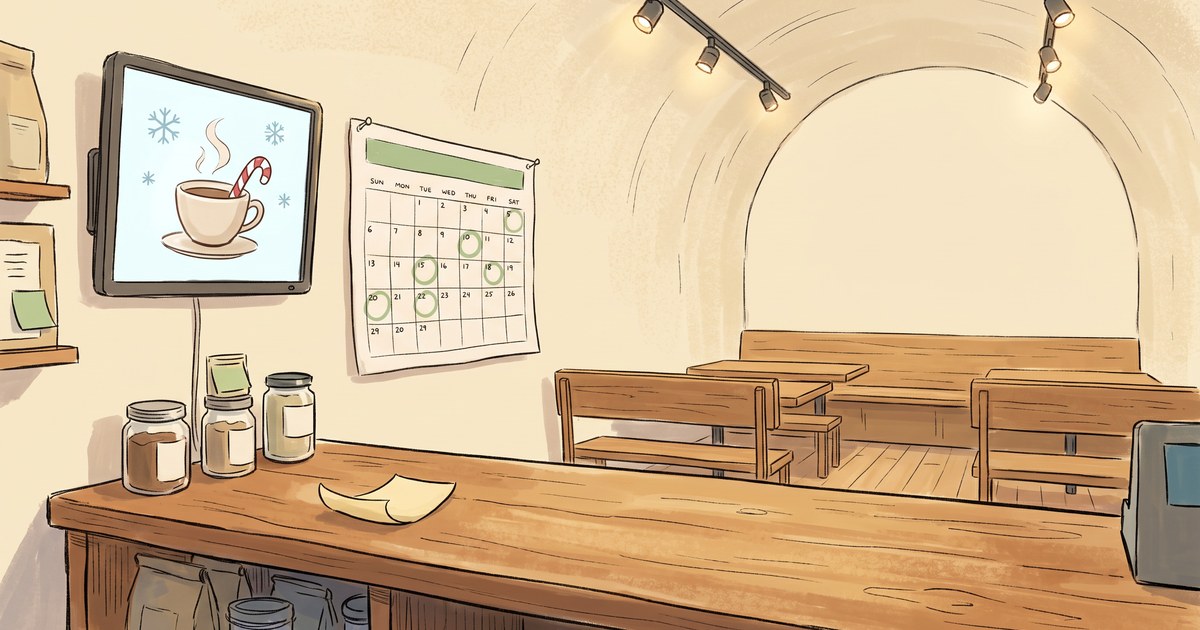
The peppermint latte goes on sale Monday.
So on Monday morning, at some point between unlocking the door and the first rush, somebody has to change the sign. Pull the pumpkin poster. Put up the peppermint one. Or log into the thing, find the file, swap the slide, and hope it took.
That somebody is usually you. And you’re going to be busy.
This is the whole problem with holiday digital signage, and almost none of it is about screens.
Your digital signage is only as reliable as the person who remembers it
Here’s the part that never makes it into the plan: somebody has to actually go change it. The message has a date on it. The person doesn’t.
So you get the three classic failures, and you’ve seen all three.
The late one. The promo started Monday, the screen caught up Wednesday. Two days of customers who never knew.
The stale one. It’s November 3rd and there are still cartoon bats on the screen. Not festive. Just neglected.
The immortal one. This is my favorite, and the worst. The Valentine’s message that’s still running in March. Nobody took it down, because taking things down was never anybody’s job. It just sits there quietly telling everyone who walks in that you don’t look at your own store.
None of these are laziness. They’re what happens when a screen depends on somebody remembering, during the busiest weeks of the year.
Give the screen a calendar instead
The fix is boring, which is why it works. You stop asking “who’s changing the screen Monday” and start telling the screen when to change itself.
In BrandCast that’s a schedule. Every display has one, and you write rules on it:
- Start and end dates. Your Black Friday screen runs November 27 through November 30. Not before. Not after.
- Days of the week. Weekend brunch board on Saturday and Sunday. Nothing else.
- Times of day. Breakfast until 11 AM, then the lunch board takes over.
- What wins when two overlap. Your normal Tuesday board keeps running underneath, and Christmas Eve steps on top of it for the day, then gets out of the way.
There’s a calendar view that shows the whole week laid out, color-coded, so you can look at it and see what’s actually going to be on the screen Thursday afternoon. Which is a nicer way to find a mistake than a customer finding it for you.
You still decide every word of it. The screen just stops needing a babysitter.
Do it in September, because December you is not available
Here’s why now and not in eleven weeks.
Right now is the calmest it’s going to get. You can sit down for an hour and think about what the store should say in November and December. (If you want a way to think that through room by room, the 5-Zone Framework for in-store messaging is the one we use.) In late November you will not have that hour. You’ll have a line, a delivery, and somebody calling out sick.
So block out the dates now, while they’re still just squares on a calendar. Most shops have about eight of them:
- The first cold-weather menu or seasonal product
- Small Business Saturday
- Black Friday, if you do anything for it
- Gift card season, which starts earlier than you think
- Your holiday hours, especially the days you’re closed
- Last day to order or pick up in time for the holidays
- The week between Christmas and New Year’s, when everyone’s hours get weird
- January, when all of it needs to come down
Write the rule once for each. Then go run your business.
The half everybody skips is the end date
Put an end date on everything. Every single rule.
Setting a start date is easy, because you’re excited about the thing you’re selling. Setting the end date is the boring half, and it’s the one that saves you. It’s the difference between a screen that actually sells and a screen that slowly becomes a museum of things you used to be selling.
“Last day to order for Christmas pickup: December 18.” That message is genuinely useful on the 14th. On the 22nd it’s just sad. And on January 9th it’s telling everyone who walks in that nobody’s minding the shop.
An end date is a small act of kindness to yourself in six weeks.
What this actually buys you
Not a smarter screen. A screen that keeps its promises.
The gift card message shows up on the day you decided it should, whether or not that morning went sideways. The holiday hours go live before the first person asks. The bats come down on November 1st at 6 AM, without anybody being awake for it.
That’s the whole trick. Your holiday plan already exists in your head. This just gets it out of your head and onto something that doesn’t forget.
Set the dates in September. Enjoy December.
BrandCast is built for this. Write your holiday dates once, and the screens keep them. Getting a screen up takes about five minutes, so there’s still plenty of runway before November. If you run a shop, a studio, or a restaurant and you’d rather have November and December on a schedule than on a sticky note, come see how it works at brandcast.app.